AI Form Check
Film your set
Get an answer
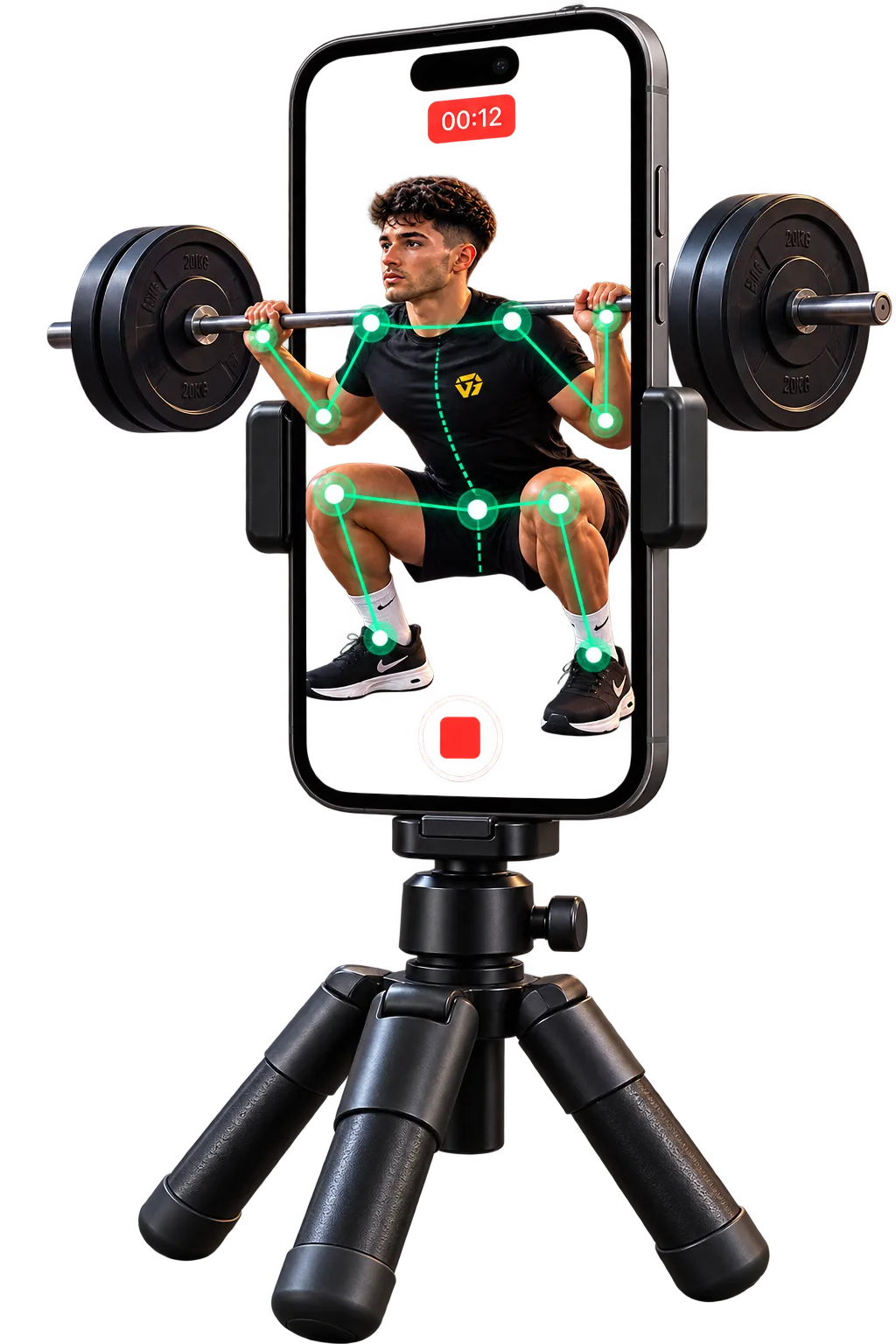
Trayner analyses your movement rep by rep, scores your form and shows you what happened — and what to work on next.
- 33 body points tracked
- Rep-by-rep analysis
- Videos stay on your device
How it works
From video to useful feedback
Record a set on your phone. Trayner analyses the movement, shows what happened and gives you something specific to work on.
-
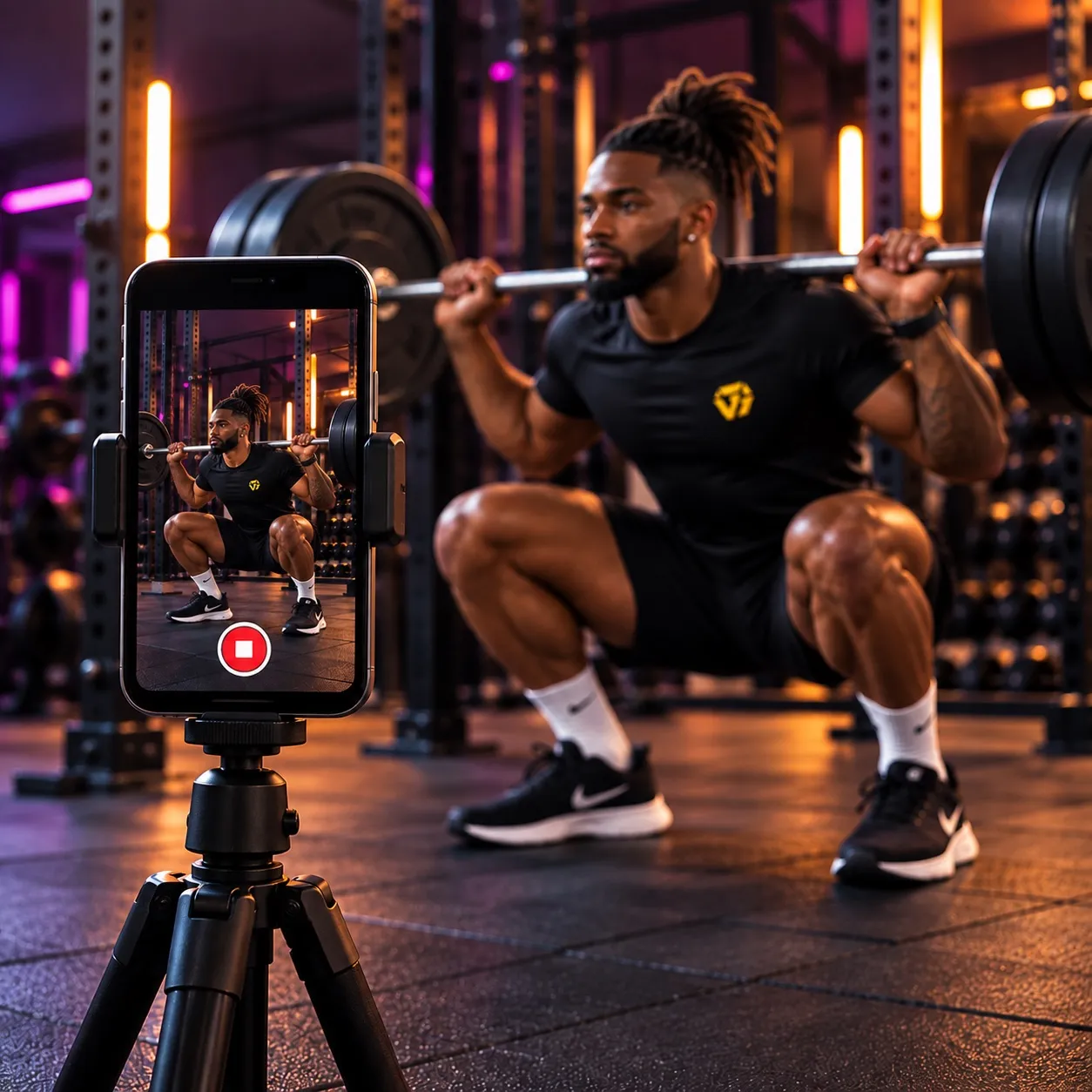
Record your set
Film your exercise from the recommended angle.
-
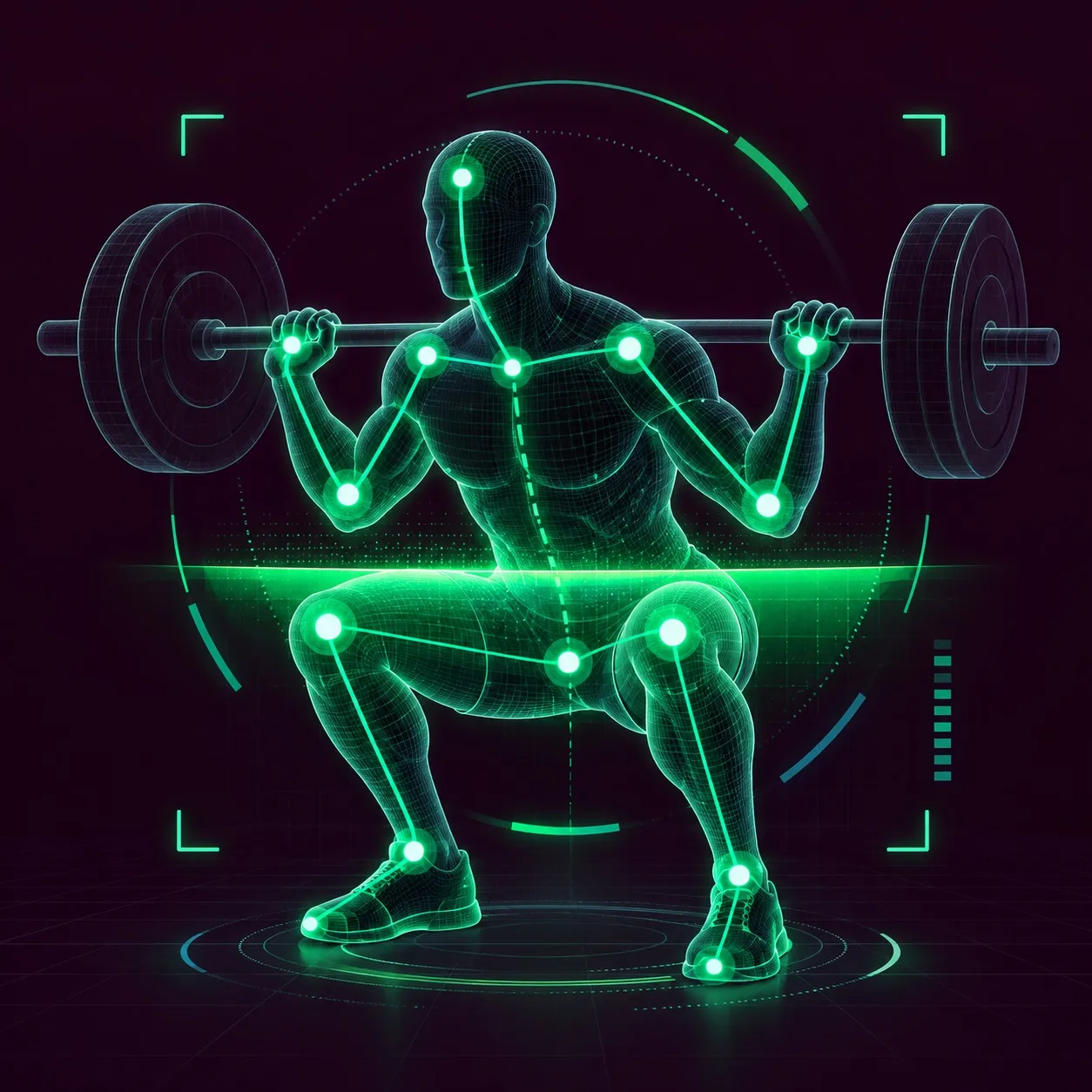
AI analysis
Trayner tracks your movement through each rep.
-
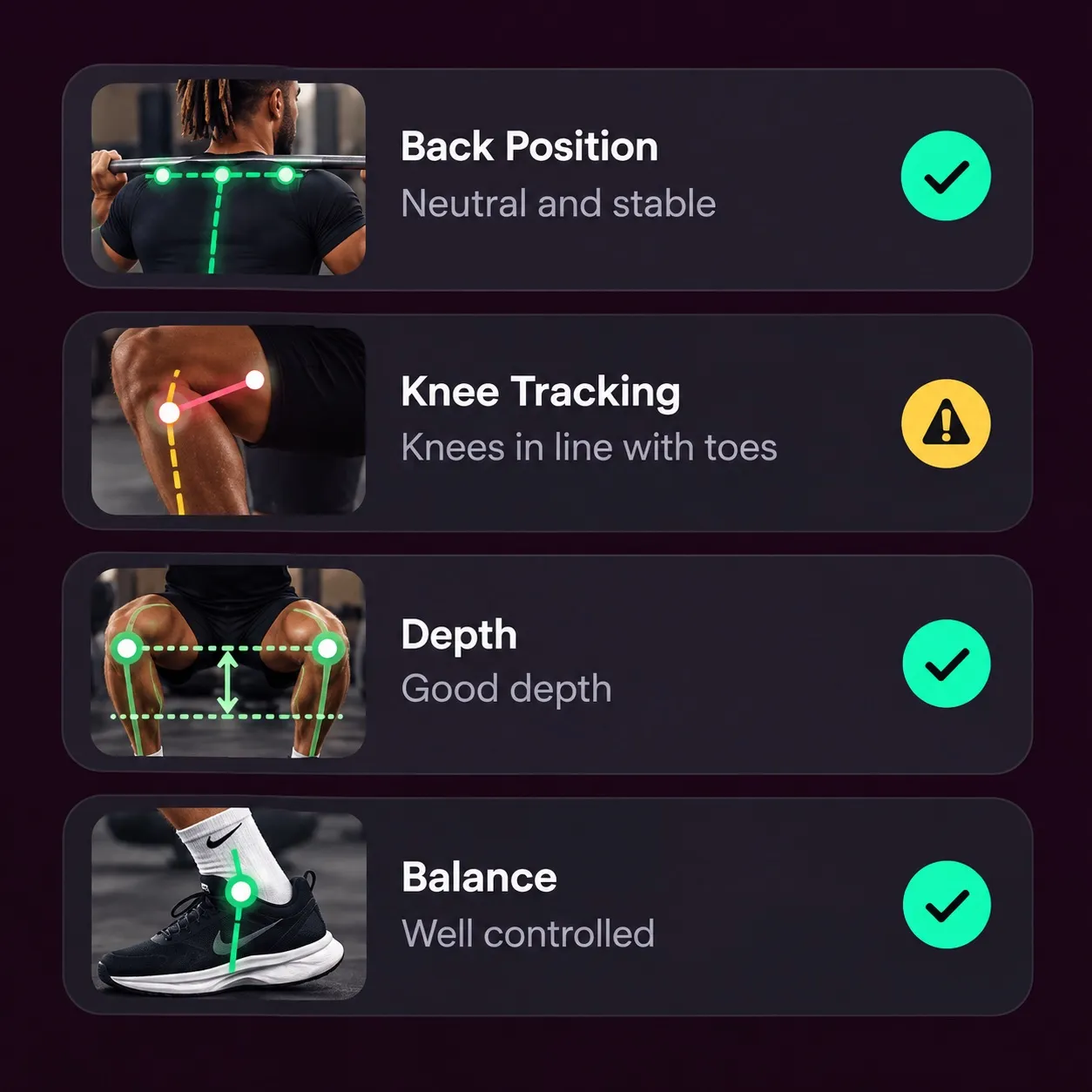
Get feedback
See your form score and where your technique changed.
-
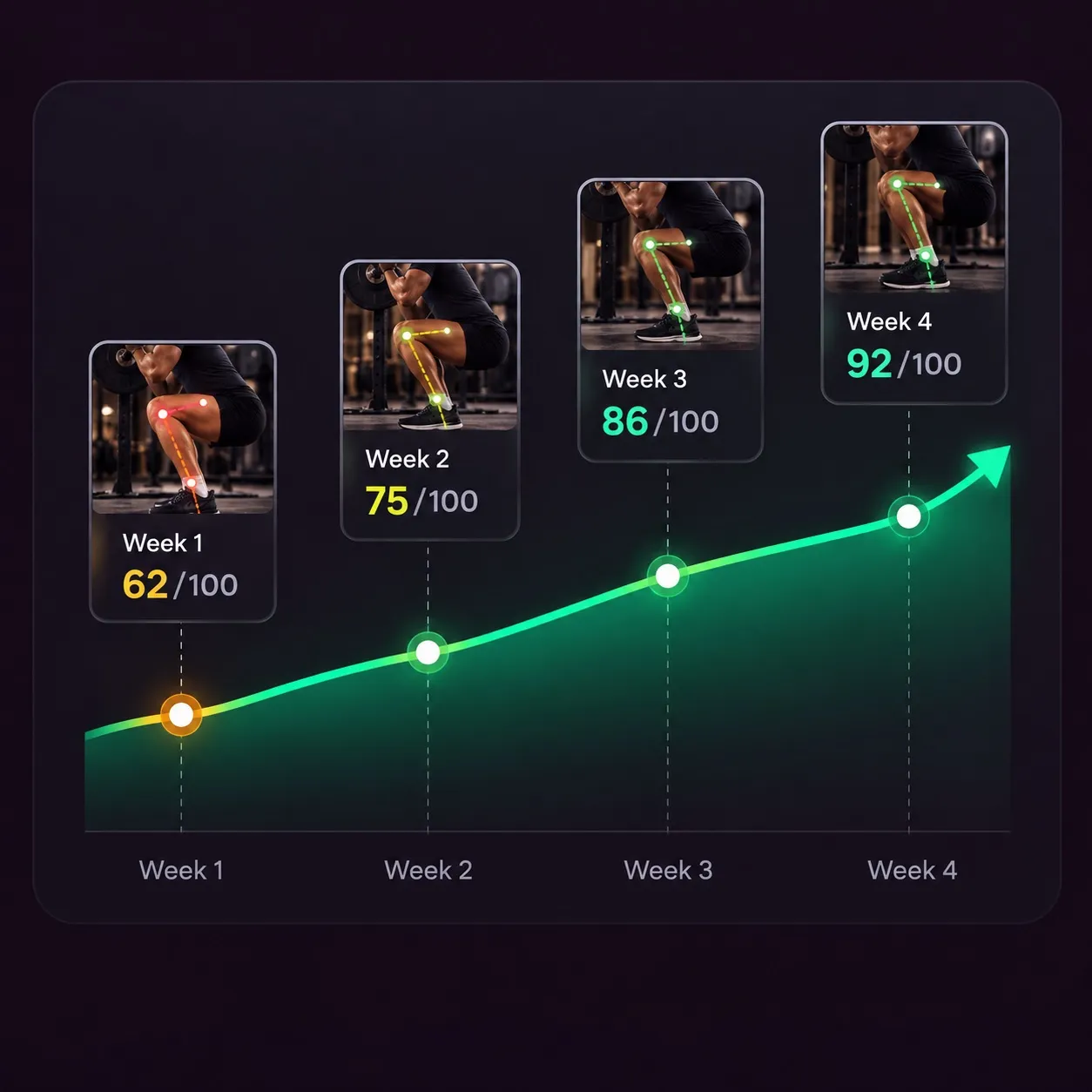
Improve over time
Compare your form with previous sets and see what changed.
Detailed analysis
Understand exactly what
to improve
Trayner breaks your set down into specific parts of your technique, so you can see what held up, what changed and what needs attention next.
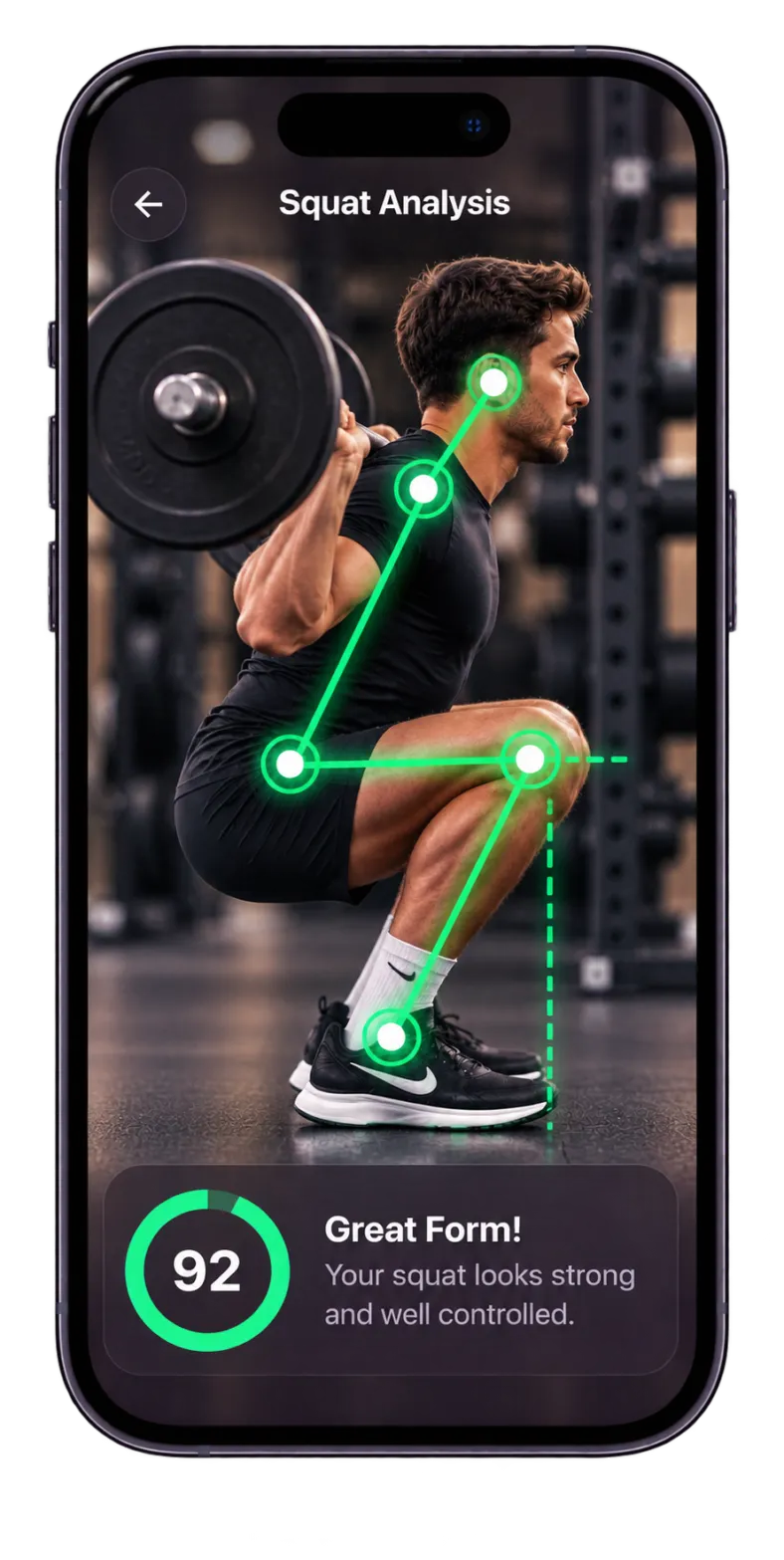
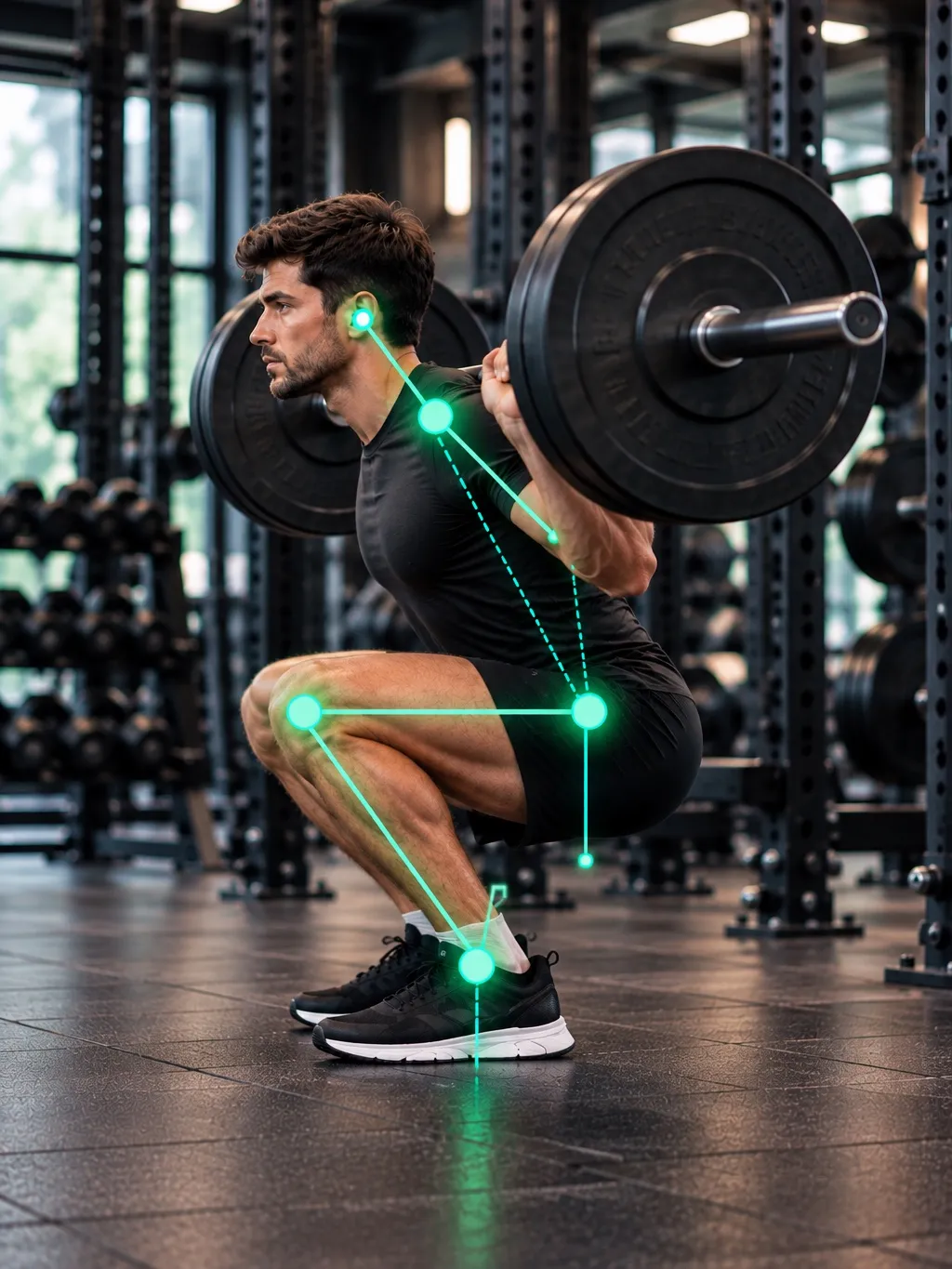
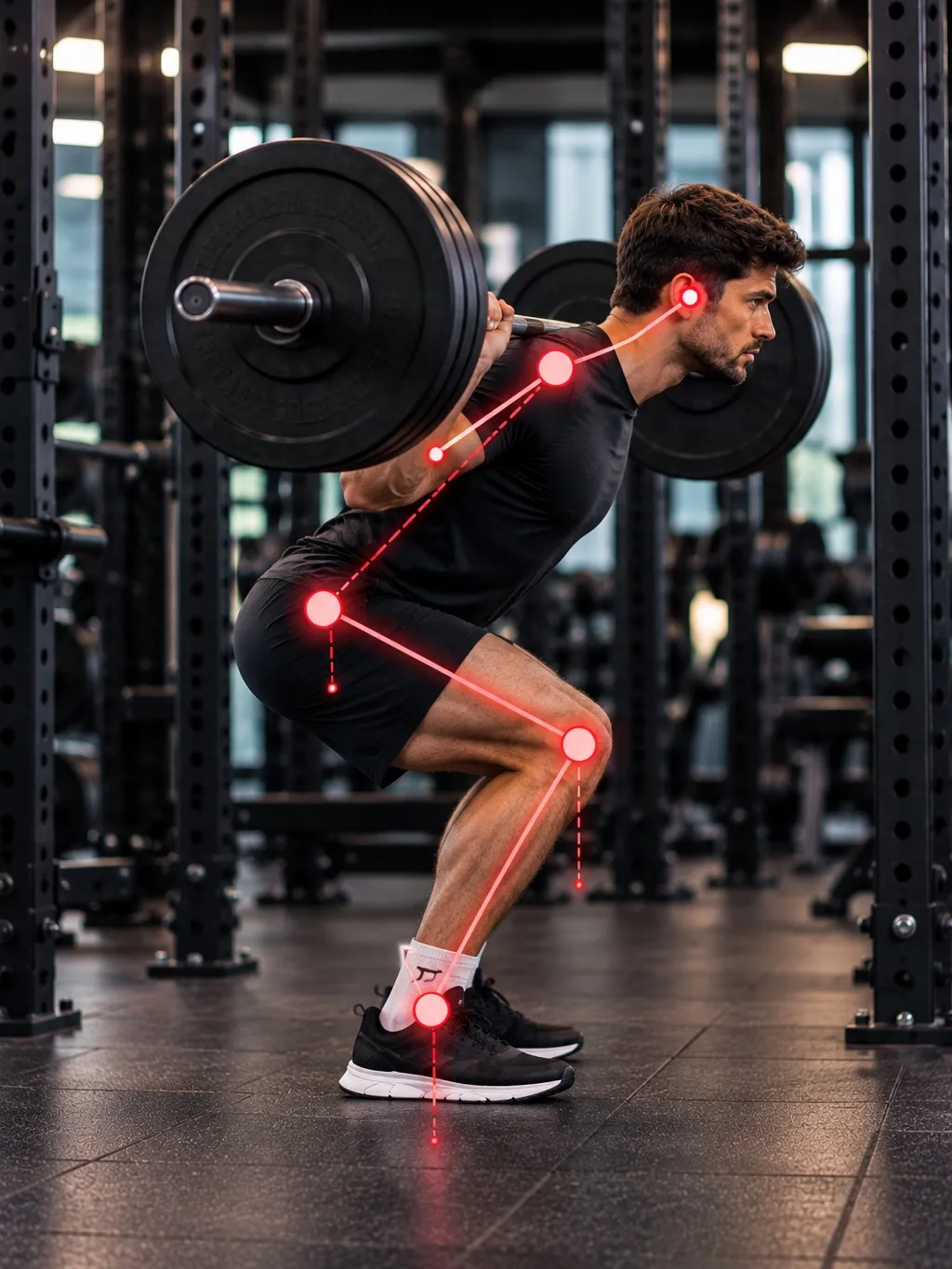
Example squat feedback
-
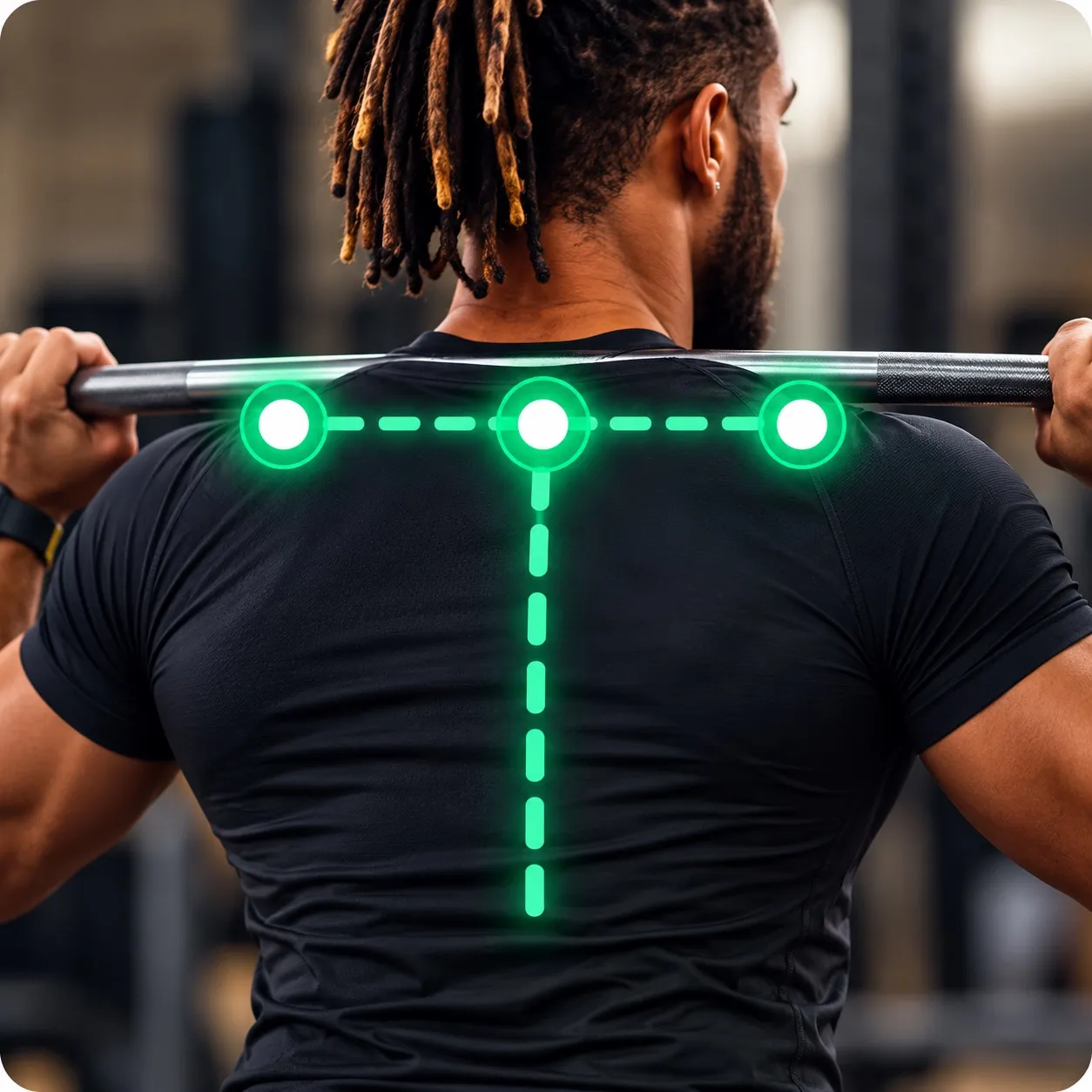
Back position
Neutral and stable
-
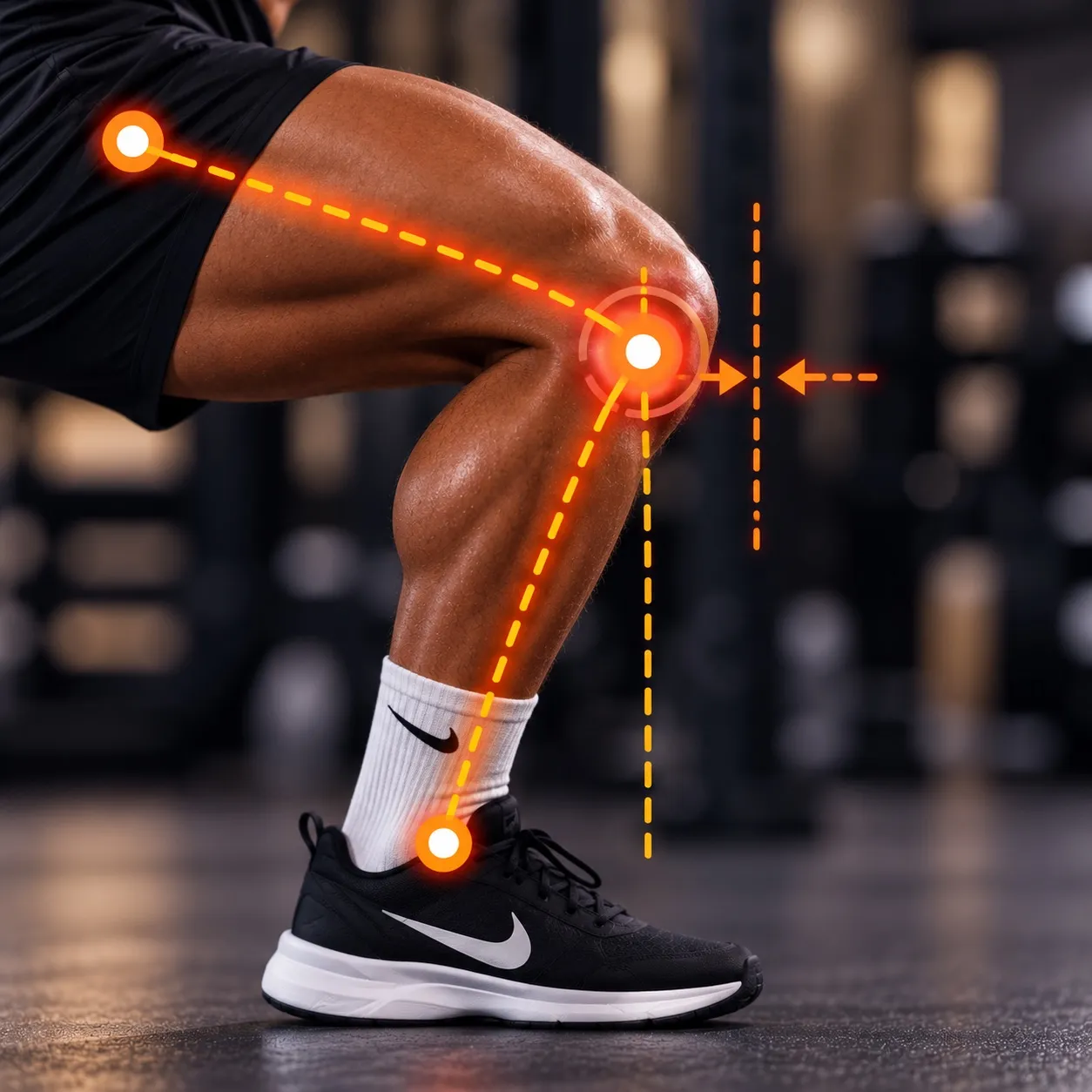 !
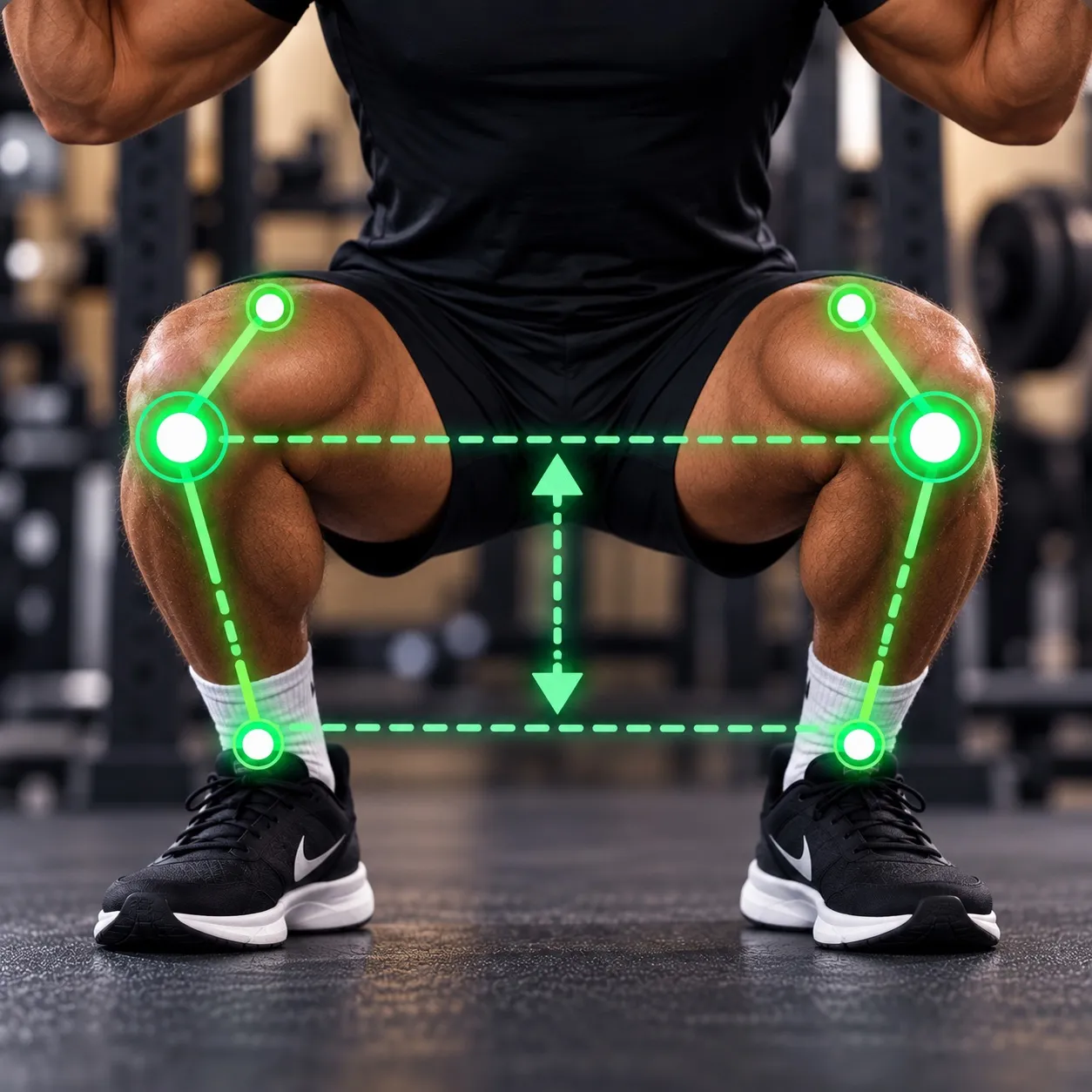
!Knee tracking
Knees not in line with toes
-
Depth
Good depth
-
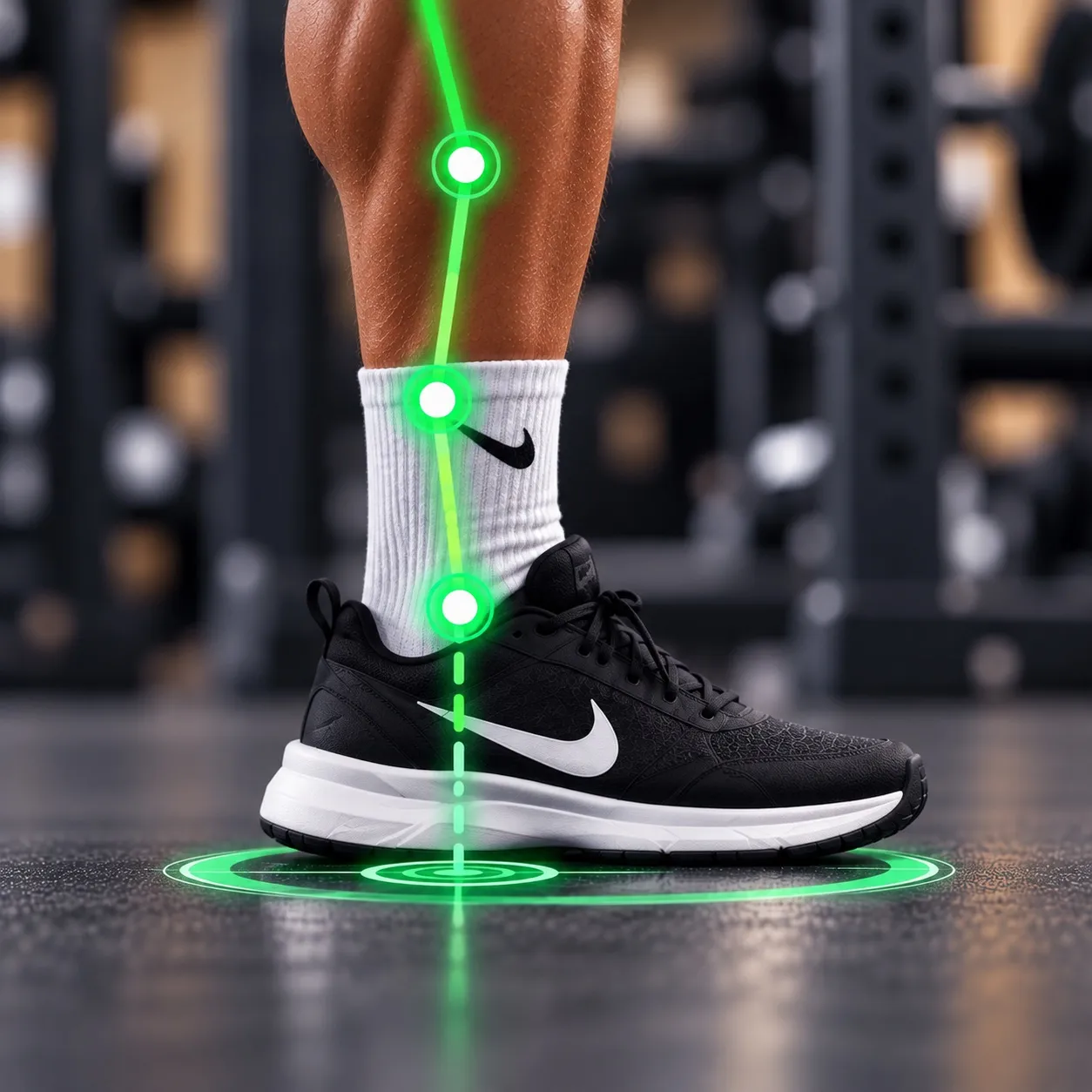
Balance
Well controlled
Supported exercises
Form Check currently supports:
Each exercise is analysed against movement criteria specific to that exercise.
-
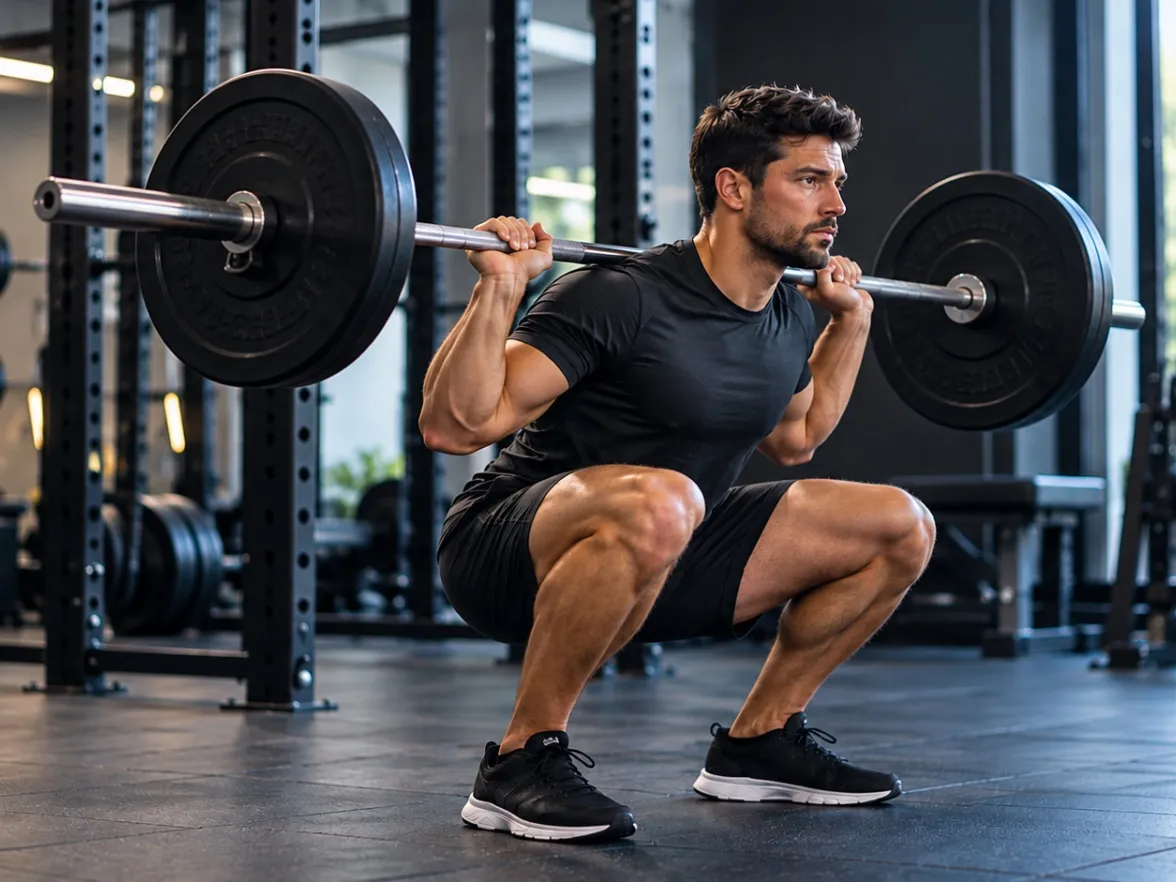
Squat
-
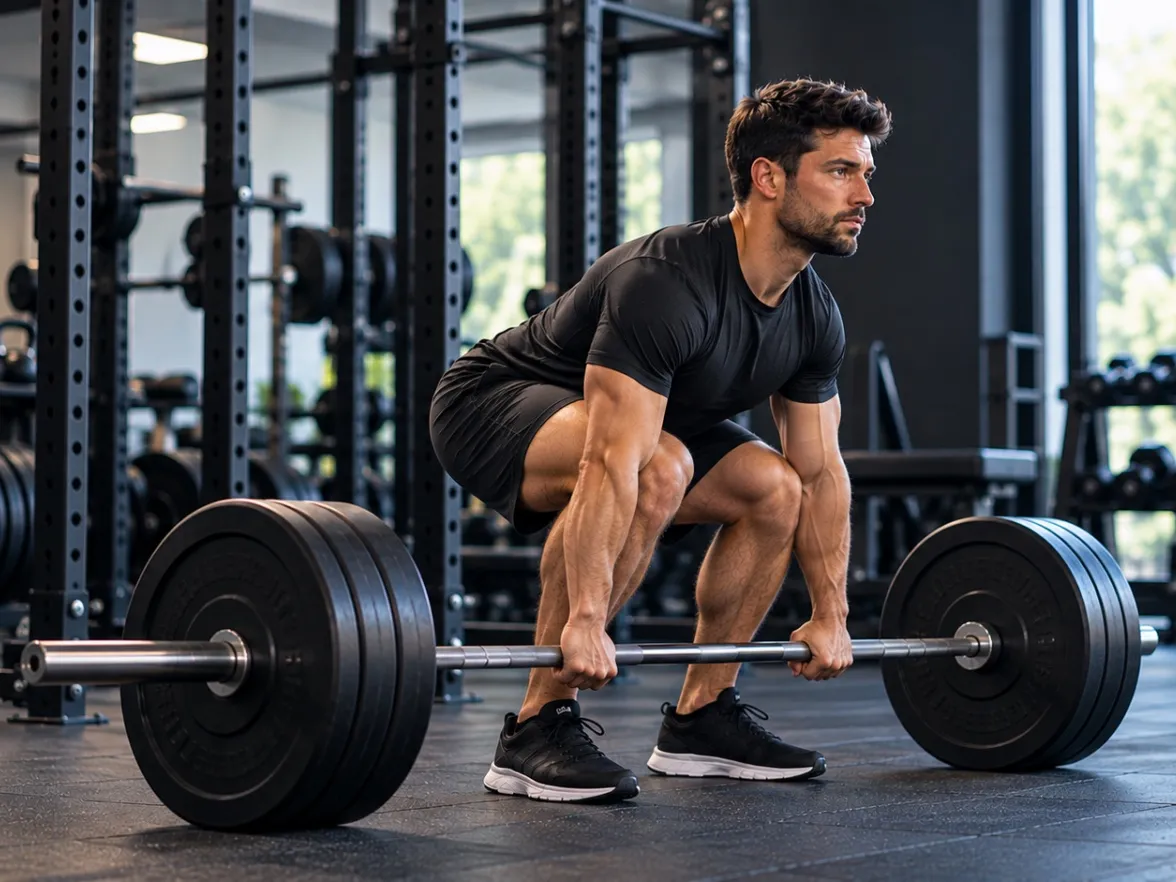
Deadlift
-
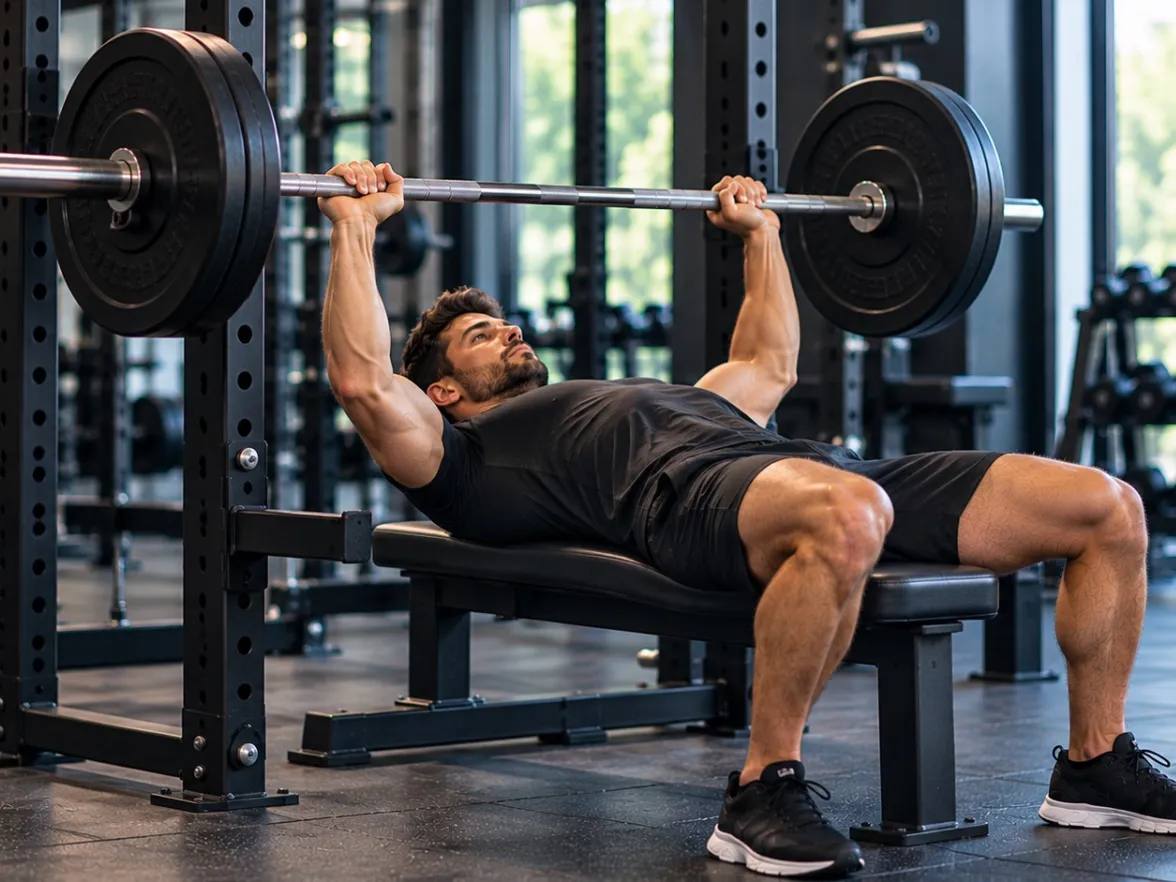
Bench press
-
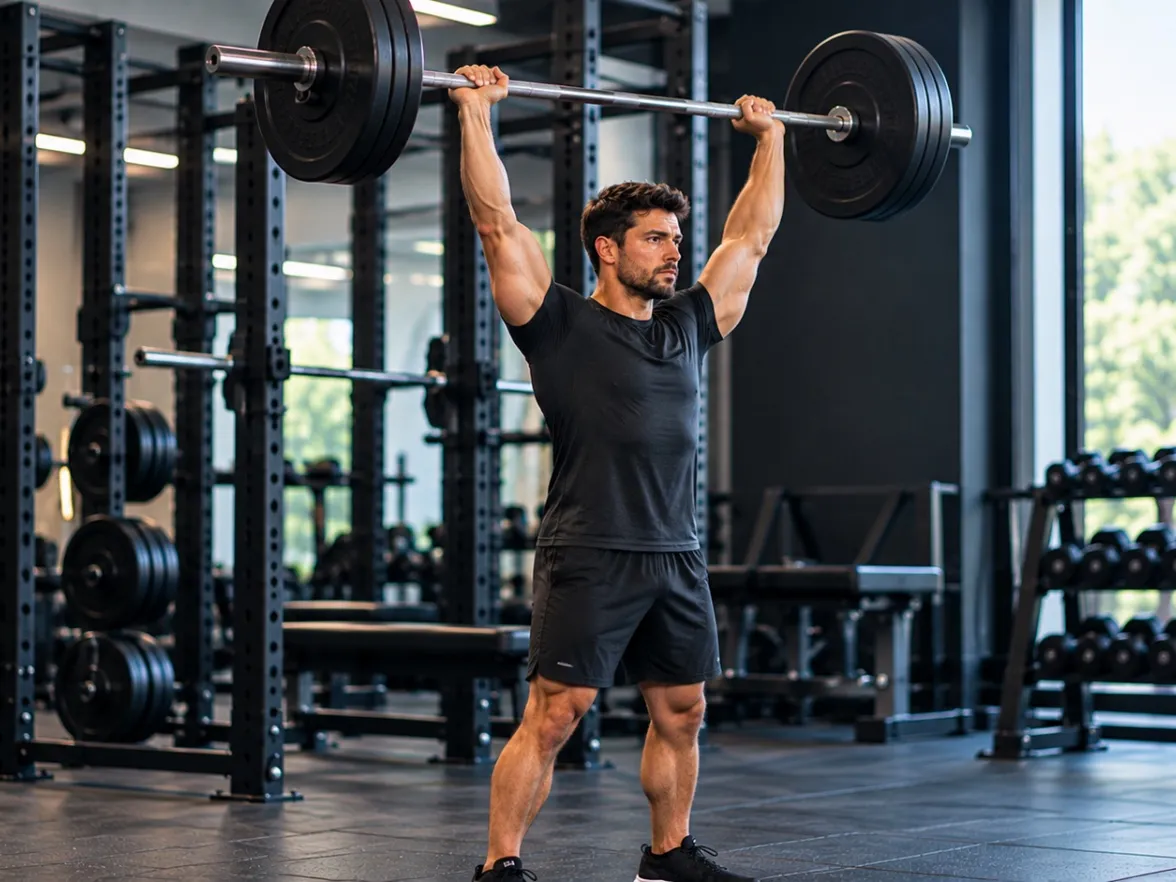
Overhead press
-
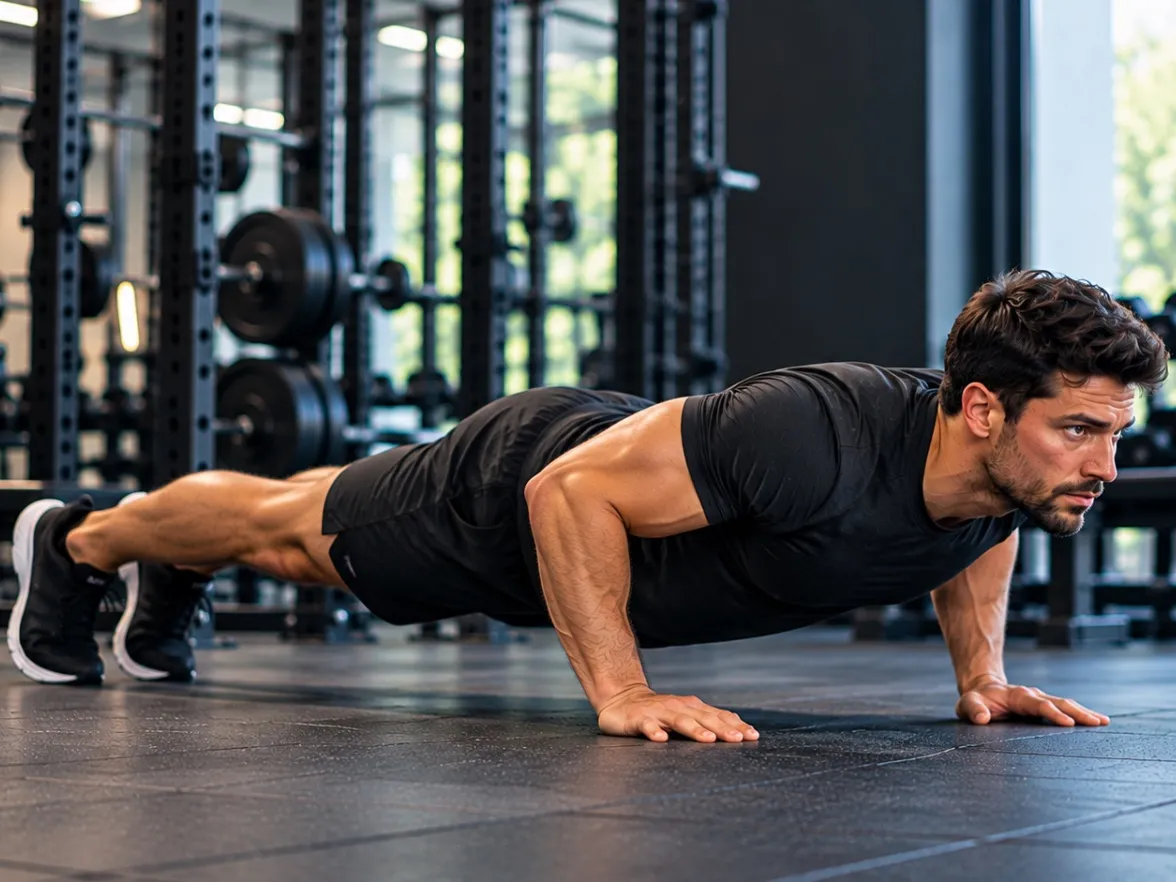
Push-up
-
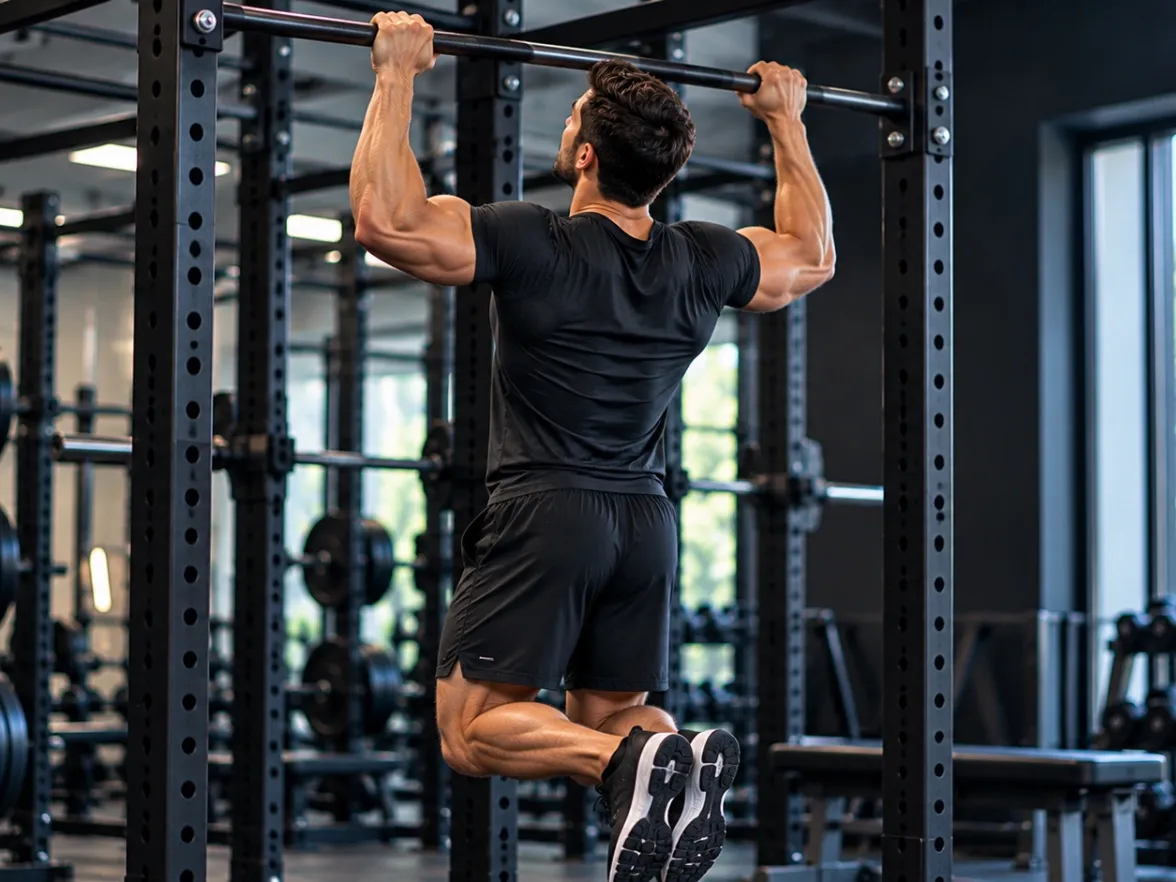
Pull-up
-
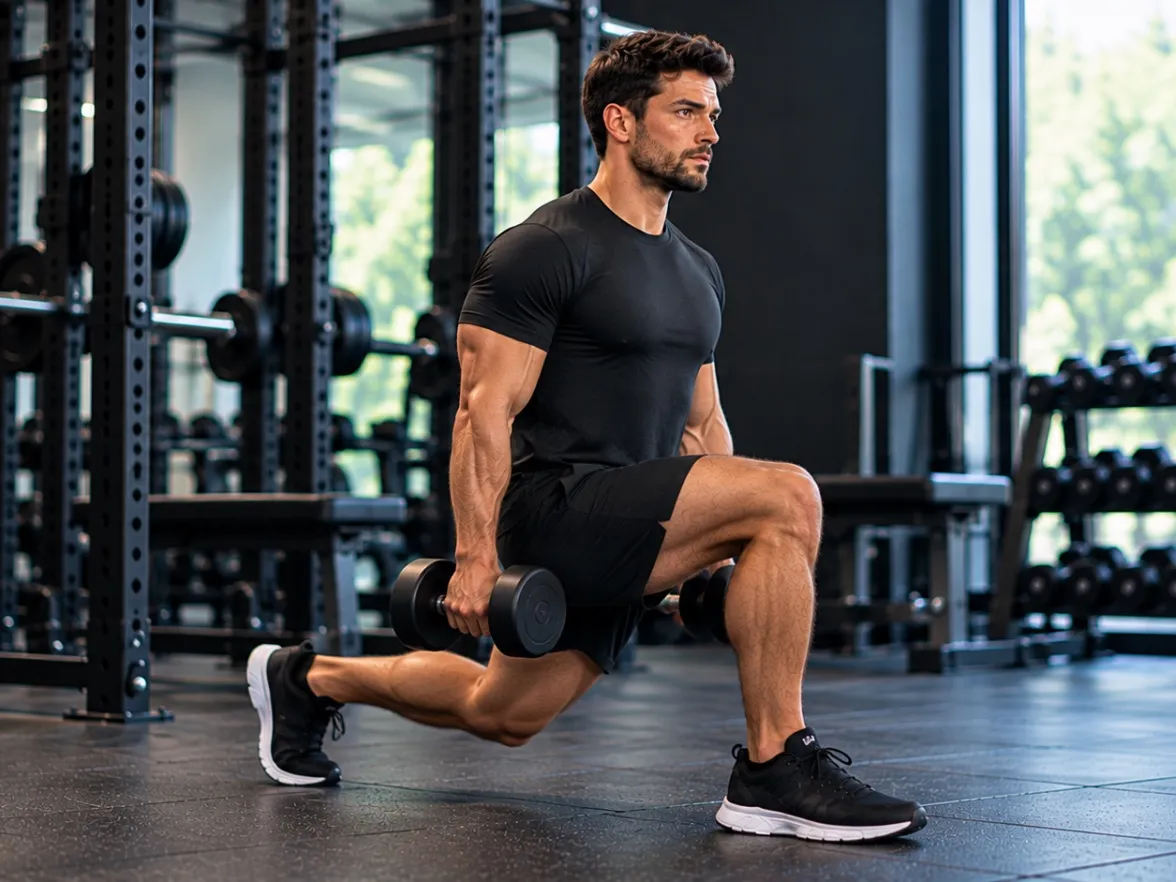
Lunge
-
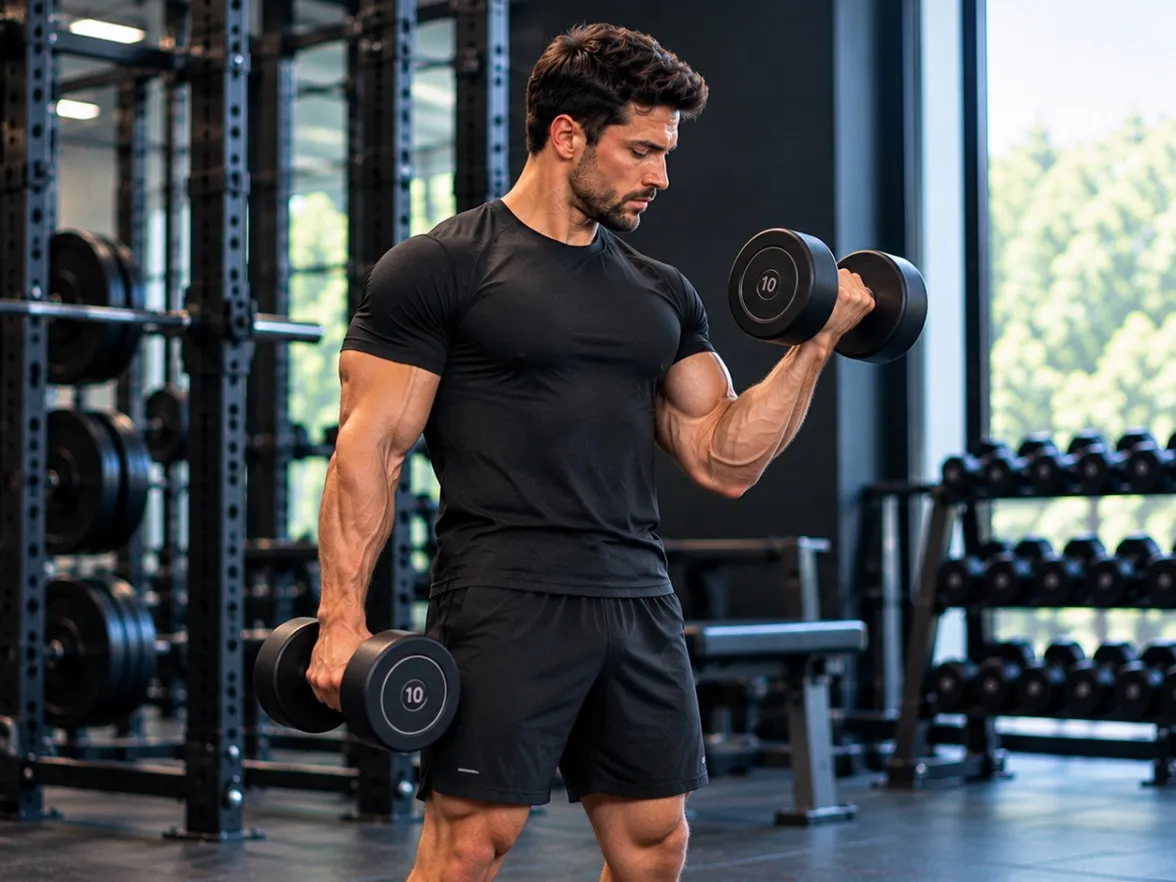
Bicep curl
Form feedback
Know what changed
and where
A score tells you how the set went. Trayner also shows you why. See where your technique changed and what to focus on next time.
Why it matters
A score is useful
Knowing why is better
Form Check turns your set into specific feedback you can use on the next one.
The form checker works alongside Trayner’s workout tracker, nutrition and recovery tools. For more training tips, visit the Trayner blog.
-
Understand your technique
See which parts of your movement held up and which didn’t.
-
Know what to adjust
Get something specific to focus on for your next set.
-
Build consistency
See whether the same issue keeps appearing across your training.
-
See what changed
Compare your form over time instead of relying on memory.
Your videos. Your privacy.
Your workout videos
stay on your device
Trayner analyses form on your phone. Your workout videos aren’t uploaded to Trayner’s servers or stored in the cloud.
- Videos stay on your phone
- Form analysis runs on your device
- Workout videos aren’t uploaded to Trayner’s servers
Live Coach
Want feedback while you’re still lifting?
Form Check shows you what happened after your set. Live Coach gives you feedback while you’re training.
Set up your phone and start your set. Trayner watches your movement and speaks coaching cues through your phone, so you can make adjustments without stopping to check the screen.
No stopping to check the screen. If Trayner sees something worth correcting, it tells you while you’re still training.
Live Coach is validated on squats. Other lifts are in beta.
Live - Rep 3 “Keep your chest up.”
- Rep 4 “Good. Hold that position.”
-
Want to review your form?
Use Form Check
- Record your set
- See what happened
- Review your feedback
- Apply it to your next set
-
Want feedback while you’re training?
Use Live Coach
- Start your set
- Trayner watches each rep
- Hear feedback while you train
- Adjust and keep going
FAQ
AI Form Check questions
What is Trayner’s AI Form Check?
Form Check is the part of the Trayner app that checks your exercise technique. You film a set on your phone, and Trayner scores each rep, shows you what happened and what to work on next.
How does Trayner’s AI exercise form checker work?
Film a set with your phone. Trayner tracks 33 points on your body through the set, on your device, and gives you a form score with feedback on back position, knee tracking, depth and balance.
Which exercises can Trayner analyse?
Form Check currently supports the squat, deadlift, bench press, overhead press, push-up, pull-up, lunge and bicep curl. Each exercise is analysed against movement criteria specific to that exercise.
Can Trayner check my squat form?
Yes. The squat is supported. Trayner scores each rep and gives feedback on back position, knee tracking, depth and balance.
Can Trayner check deadlift form?
Yes. The deadlift is one of the 8 exercises Form Check currently supports.
Do I need special equipment to use Form Check?
No. You film your set with your phone’s camera. Film from the recommended angle so your whole body is in frame.
Does Trayner upload my workout videos?
No. Your workout videos stay on your phone and form analysis runs on your device. Videos aren’t uploaded to Trayner’s servers or stored in the cloud.
Can I use Trayner’s Form Check at home?
Yes. Form Check works from a video filmed on your phone, so you can use it anywhere you can film your set with your whole body in frame.
Can I track whether my form is improving?
Yes. Trayner keeps your form feedback, so you can compare it with previous sets and see what changed.
Stop guessing
about your form
Film a set. See what happened. Know what to work on next.